

Description
The Holy Stone HS790 Charging Hub is a genuine charging accessory designed specifically for HS790 drone batteries. It supports battery charging, power bank functionality, and battery power accumulation, helping you manage multiple batteries more efficiently while keeping them ready for flight.
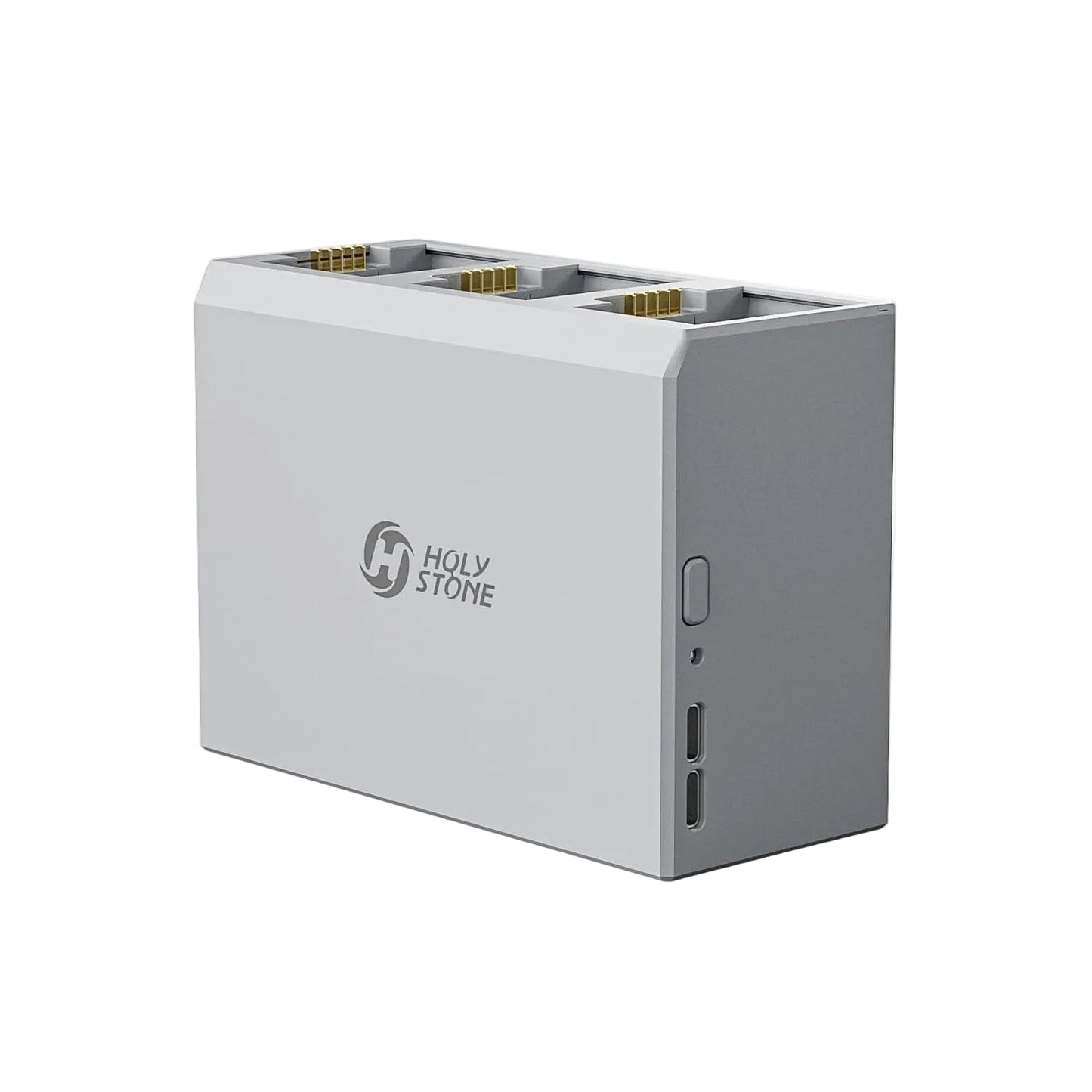
| Battery charge time: | Approx. 110 Minutes per Battery |
| Charge rate: | 5-12V, Max. 2A (Supports QC & PD) |
| Dimension: | 116 × 51 × 85 mm |
| Interface type: | USB-C Input & USB-C Output |
| Compatible models: | HS790 |
FAQ
What functions does the HS790 Charging Hub support?
The HS790 Charging Hub supports three main functions:
•Battery Charging
•Power Bank Mode
•Battery Power Accumulation Mode
•Battery Charging
•Power Bank Mode
•Battery Power Accumulation Mode
What do the status LED colors mean?
•Flashing Red: Charging battery
•Flashing Blue: Power Bank Mode active
•Solid Red: Battery Power Accumulation Mode active
•Flashing Blue: Power Bank Mode active
•Solid Red: Battery Power Accumulation Mode active
How long does it take to charge a battery?
The shortest charging time is approximately 110 minutes per battery when using a compatible charger.
What charger is recommended?
Use a USB-C charger with an input of 5–12V and up to 2A. QC and PD fast charging protocols are supported.
Can I charge multiple batteries at the same time?
No. The HS790 Charging Hub charges batteries one at a time. When multiple batteries are installed, they are charged automatically in sequence according to their power levels.
What is Battery Power Accumulation Mode?
Battery Power Accumulation Mode transfers power from batteries with lower charge levels to the battery with the highest charge level, helping combine the remaining power into one battery.
How do I use Battery Power Accumulation Mode?
•Insert more than one battery into the charging hub.
•Turn on the battery power.
•Press and hold the Mode Button until the status LED turns red.
The charging hub will transfer power from the battery with the lowest power level to the battery with the highest power level. Press the Mode Button once to exit this mode.
•Turn on the battery power.
•Press and hold the Mode Button until the status LED turns red.
The charging hub will transfer power from the battery with the lowest power level to the battery with the highest power level. Press the Mode Button once to exit this mode.
How do I use Power Bank Mode?
•Insert a battery into the charging hub and connect your device to the USB-C output port.
•Turn on the battery power.
•Press the Mode Button once.
When the status LED flashes blue, the charging hub will begin charging the connected device. Press the Mode Button again to exit this mode.
•Turn on the battery power.
•Press the Mode Button once.
When the status LED flashes blue, the charging hub will begin charging the connected device. Press the Mode Button again to exit this mode.
HS790 Related Parts
-
Holy Stone HS790 Battery
Regular price $57.00 USDRegular price -
Holy Stone HS790 Charging Hub
Regular price $27.00 USDRegular price -
Holy Stone HS790 Propellers with Screws
Regular price $10.00 USDRegular price -
Holy Stone HS790 Remote Controller
Regular price $65.00 USDRegular price


