
Kids & Teens

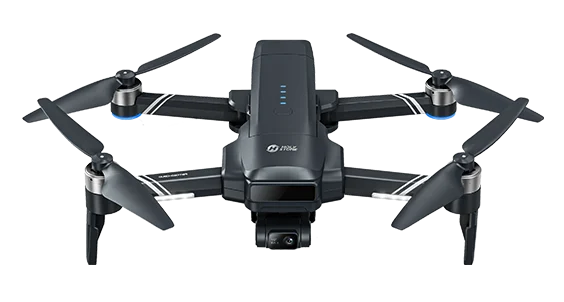
HS200P
A first camera drone for young pilots who do not have their own smartphone.
- 4.3-inch screen
- 1080p camera
- Optical flow
- Up to 28 min / 2 batteries
A SIMPLER WAY TO FLY
Explore Holy Stone drones with built-in screen controllers for kids, GPS beginners, travelers, and aerial creators. Enjoy live camera views without mounting a smartphone, worrying about phone compatibility, or dealing with extra cables. Find the right screen remote drone for your flying style, from first camera adventures to stabilized 4K aerial photography.
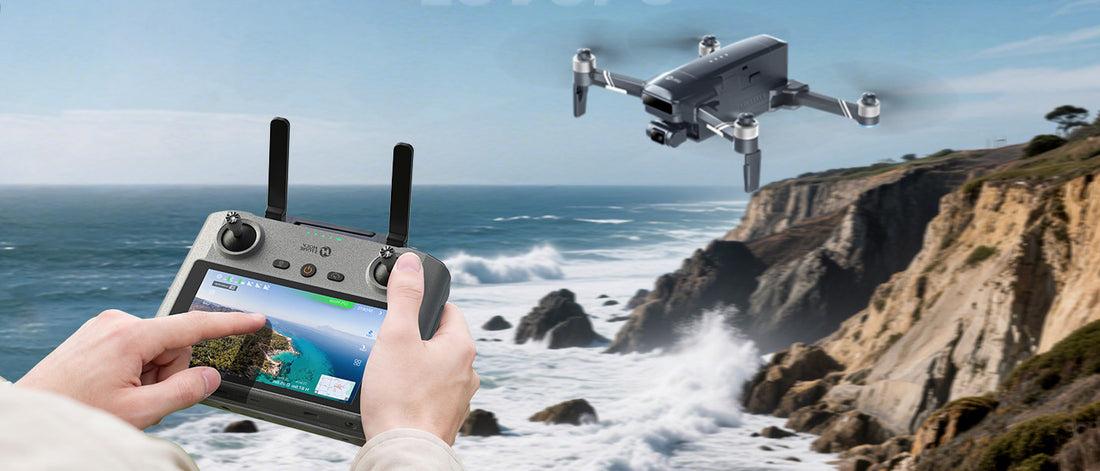
Choose by budget, flying experience and camera needs.
Kids & Teens
A first camera drone for young pilots who do not have their own smartphone.
Travelers & Creators

Lightweight travel filming with stabilized footage and a charging hub.
First-Time GPS Pilots

Start GPS-assisted outdoor flying with a dedicated live-view display.
Outdoor Photographers

Advanced outdoor aerial photography with dedicated camera controls.
Prices marked WITH CODE require the displayed code at eligible checkout. Other prices are before any code. Flight times are combined manufacturer-rated times across separate batteries.
Choose the aircraft that fits your experience and camera needs. All four configurations offer live viewing without mounting a smartphone.
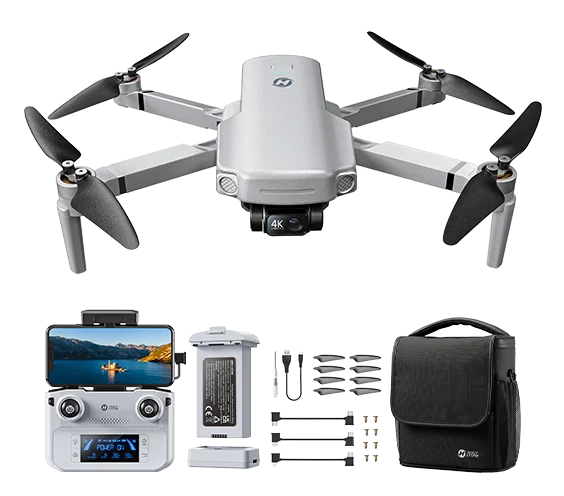
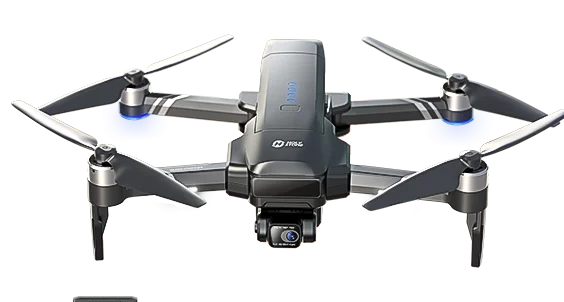
| Feature | 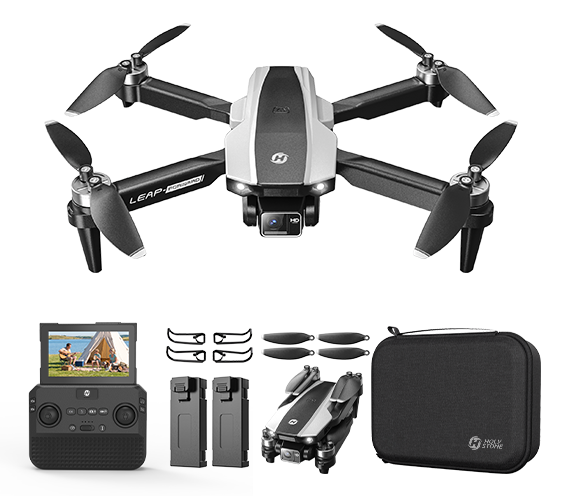 HS200P | 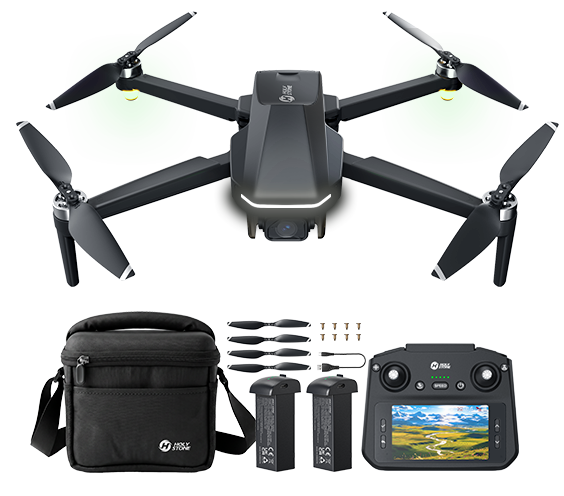 HS175D MAX | 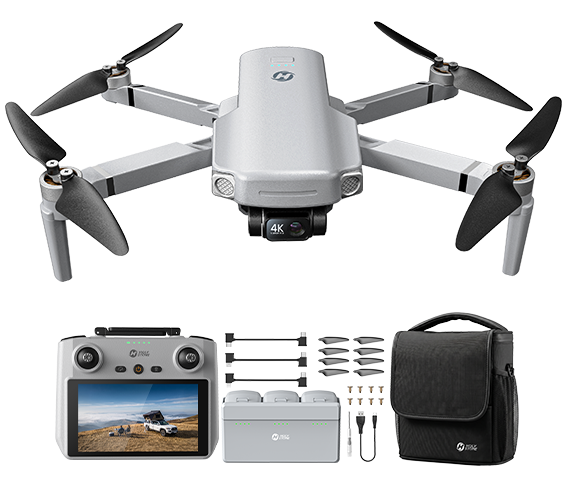 HS360G Creator | 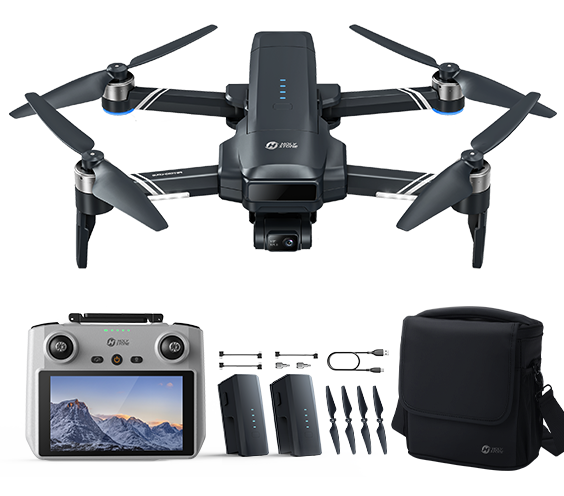 HS600D Screen |
|---|---|---|---|---|
| Best for | First camera flights | First GPS flights | Travel & stabilized video | Outdoor photography |
| Aircraft weight | 143g | 247g | 249g | 603g |
| Live-view screen | 4.3″ buttons | 4.5″ buttons | 5.5″ FHD touchscreen (RC243A) | 5.5″ FHD touchscreen (RC243A) |
| Camera | 1080p | 4K | 4K/30fps, 48MP | 4K/30fps, 48MP |
| GPS return to home | No | Yes | Yes | Yes |
| 3-axis gimbal | No | No | Yes | Yes |
| Flight kit | 2 batteries / up to 28 min | 2 batteries / up to 60 min | 3 batteries + charging hub | 2 batteries / up to 80 min |
Flight times are combined across separate batteries under rated test conditions. Actual results vary. Swipe the table on smaller screens.
These drones provide ordinary flight and live camera viewing without attaching a smartphone. A dedicated display keeps your phone available for calls, navigation and photos.
Skip checking your phone model and operating system for everyday live-view flight.
No phone mount or phone connection cable required for ordinary screen-remote flying.
Calls and notifications stay on your phone, not on your dedicated flight display.
Use your phone for navigation and ground photography instead of continuous live video.
Thick cases, large phones and connector types no longer determine your ordinary live-view setup.
A dedicated screen avoids relying on a phone that may dim in hot weather. The remote still has its own charging and operating limits.
Use the dedicated display for ordinary flying and live video. Compatible mobile apps remain an option for supported features: HS FPV V6 for HS200P, and HS FLY for HS175D MAX, HS360G and HS600D. Follow the model-specific connection instructions; some setups may require compatible remote hardware. Set up on the ground.
A status-only LCD shows flight information, not live camera video. HS200P and MAX use button-operated displays; the RC243A has a touchscreen.
RC243A adds a 5.5-inch Full HD touchscreen and dedicated camera controls to compatible aircraft.
Check compatibility & price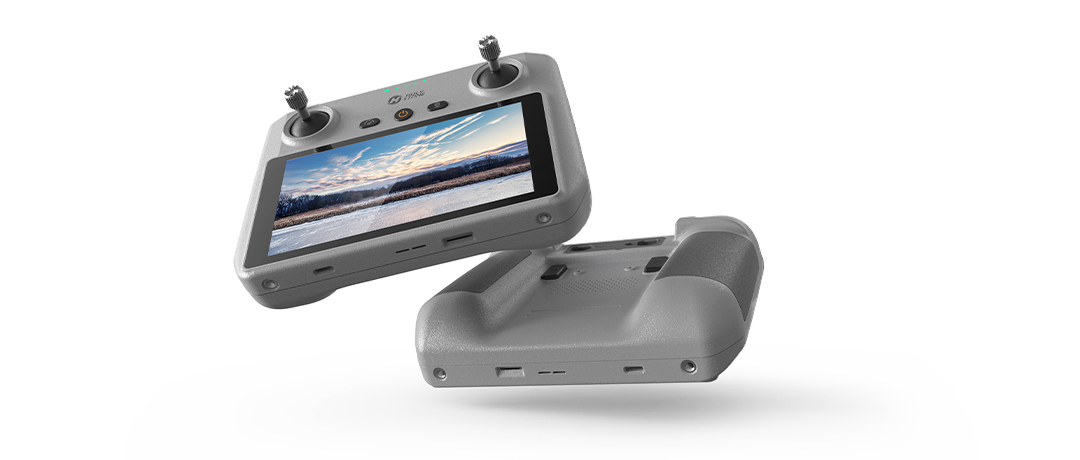
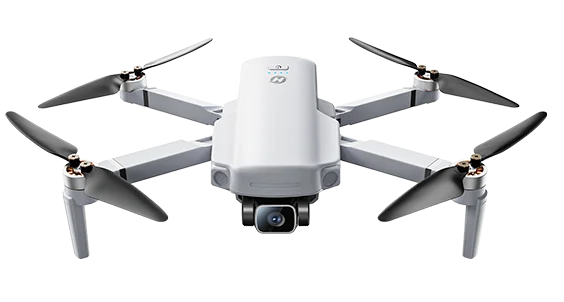
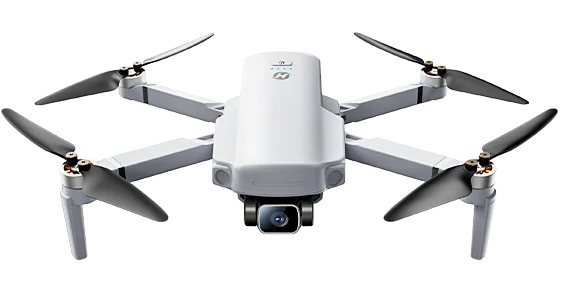
Confirm your exact hardware before ordering. If unsure, contact Holy Stone support with photos of your drone and original remote.
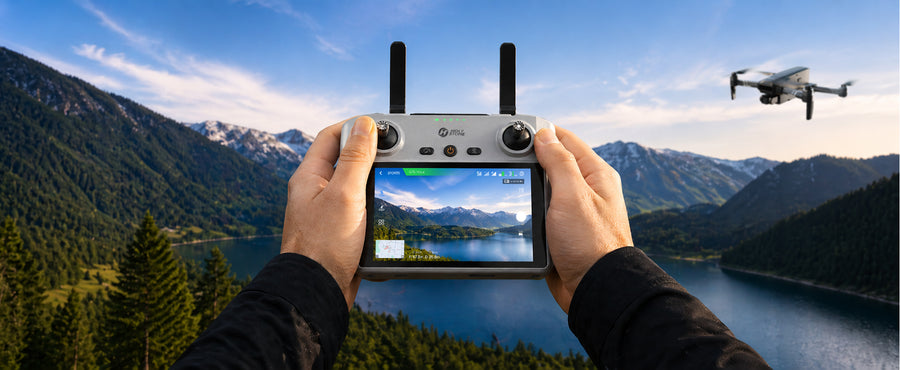
Explore controller types, practical setup differences and model-specific buying advice in our complete guide.
Read the buying guideNo, these models support ordinary flight and live camera viewing without attaching a smartphone. Optional app features and updates may have additional requirements.
HS200P is for first camera flights; HS175D MAX adds GPS assistance; HS360G Creator suits lightweight travel filming; HS600D Screen suits advanced outdoor photography.
Yes, supported app features remain available. Follow the connection instructions for your model and land before switching setups.
RC243A supports selected versions of HS600, HS600D, HS360E and HS360D. HS600 must be the wired version; HS600D wireless versions are excluded. Confirm compatibility before buying.
Yes, the four screen configurations provide camera controls. Recording and playback depend on the model and required storage. Check the product instructions before flying.
No. HS200P and HS175D MAX use physical buttons, while HS360G Creator and HS600D Screen use the RC243A touchscreen.