


Description
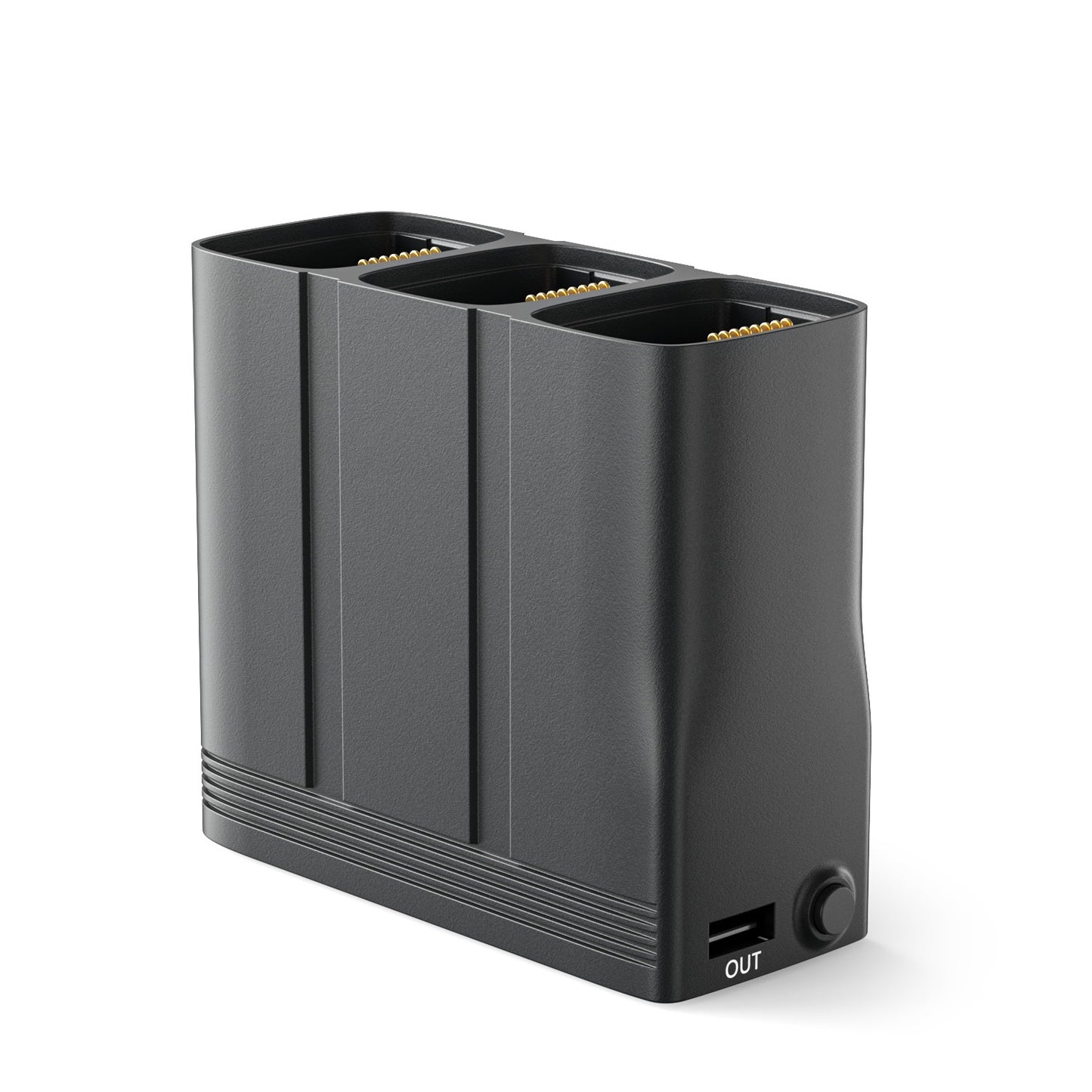
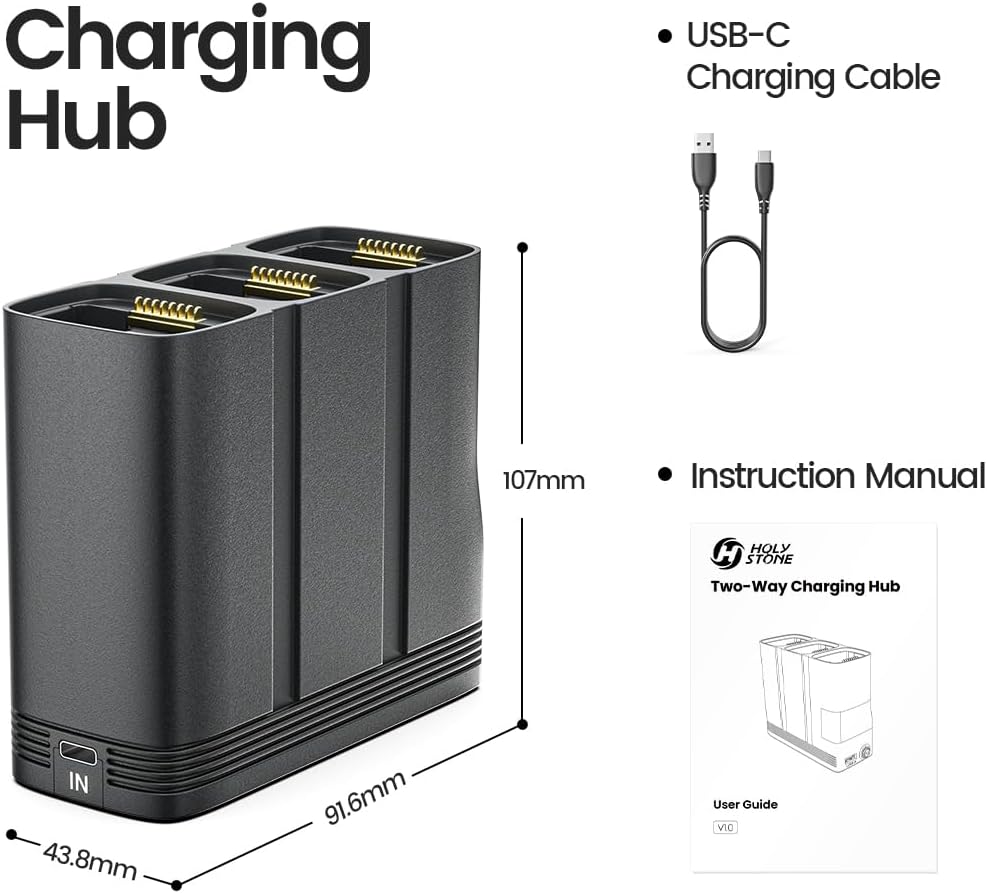
The Holy Stone HS900 Battery Charging Hub is a genuine replacement accessory designed for 2.4GHz and 5.8GHz HS900 drone batteries. It supports charging, power bank, and storage modes, making battery charging, maintenance, and power management more convenient.


| Battery charge time: | Approx. 70 Minutes per Battery |
| Charge rate: | QC3.0 Fast Charging (9V/2.0A) |
| Dimension: | 107 × 43.8 × 91.6 mm |
| Interface type: | USB-C Input; USB-A Output |
| Weight: | 140 grams/ 4.94 ounces |
| Compatible models: | HS900 |
FAQ
What functions does the HS900 charging hub support?
The charging hub supports three operating modes:
•Battery Charging Mode
•Discharge Mode (Power Bank)
•Battery Storage Mode
•Battery Charging Mode
•Discharge Mode (Power Bank)
•Battery Storage Mode
What do the indicator light colors mean?
Red Light: •Charging Mode
•Green Light: Power Bank Mode
•Blue Light: Storage Mode
•Green Light: Power Bank Mode
•Blue Light: Storage Mode
How long does it take to charge a battery?
Using a QC3.0 charger with a 9V/2.2A output, a battery can be fully charged in approximately 70 minutes.
Can I charge multiple batteries at the same time?
No. The charging hub charges one battery at a time. When multiple batteries are installed, they are charged automatically in sequence according to their power levels.
What devices can be charged in Discharge Mode?
The HS900 charging hub can charge compatible USB-powered devices such as:
•Remote controllers
•Smartphones
•Tablets
•Other USB-powered devices
•Remote controllers
•Smartphones
•Tablets
•Other USB-powered devices
How do I use Discharge Mode (Power Bank Mode)?
•Insert an HS900 battery into the charging hub.
•Connect your external device (such as a smartphone, tablet, or remote controller) to the USB-A output port.
•Turn on the battery.
•The charging hub will automatically enter Discharge Mode and begin supplying power to the connected device.
•The indicator light will turn green while operating in Discharge Mode.
•Connect your external device (such as a smartphone, tablet, or remote controller) to the USB-A output port.
•Turn on the battery.
•The charging hub will automatically enter Discharge Mode and begin supplying power to the connected device.
•The indicator light will turn green while operating in Discharge Mode.
What is Storage Mode?
Storage Mode is a battery maintenance function designed for long-term storage. It automatically adjusts battery charge levels to help preserve battery health.
What charge level does Storage Mode maintain?
The charging hub will discharge batteries above 60% down to approximately 60%.
How do I activate Storage Mode?
•Insert the battery into the charging hub.
•Disconnect all external devices and chargers.
•Turn on the battery.
•Press and hold the mode button for approximately 3 seconds.
•The indicator light will turn blue, indicating that Storage Mode has been activated.
•Disconnect all external devices and chargers.
•Turn on the battery.
•Press and hold the mode button for approximately 3 seconds.
•The indicator light will turn blue, indicating that Storage Mode has been activated.
HS900 Related Parts
-
Holy Stone HS900 Battery
Precio habitual $62.00 USDPrecio habitual -
Holy Stone HS900 Charging Cable
Precio habitual $6.00 USDPrecio habitual -
Holy Stone HS900 Charging Hub
Precio habitual $47.00 USDPrecio habitual -
Holy Stone HS900 Propellers with Screws
Precio habitual $10.00 USDPrecio habitual


